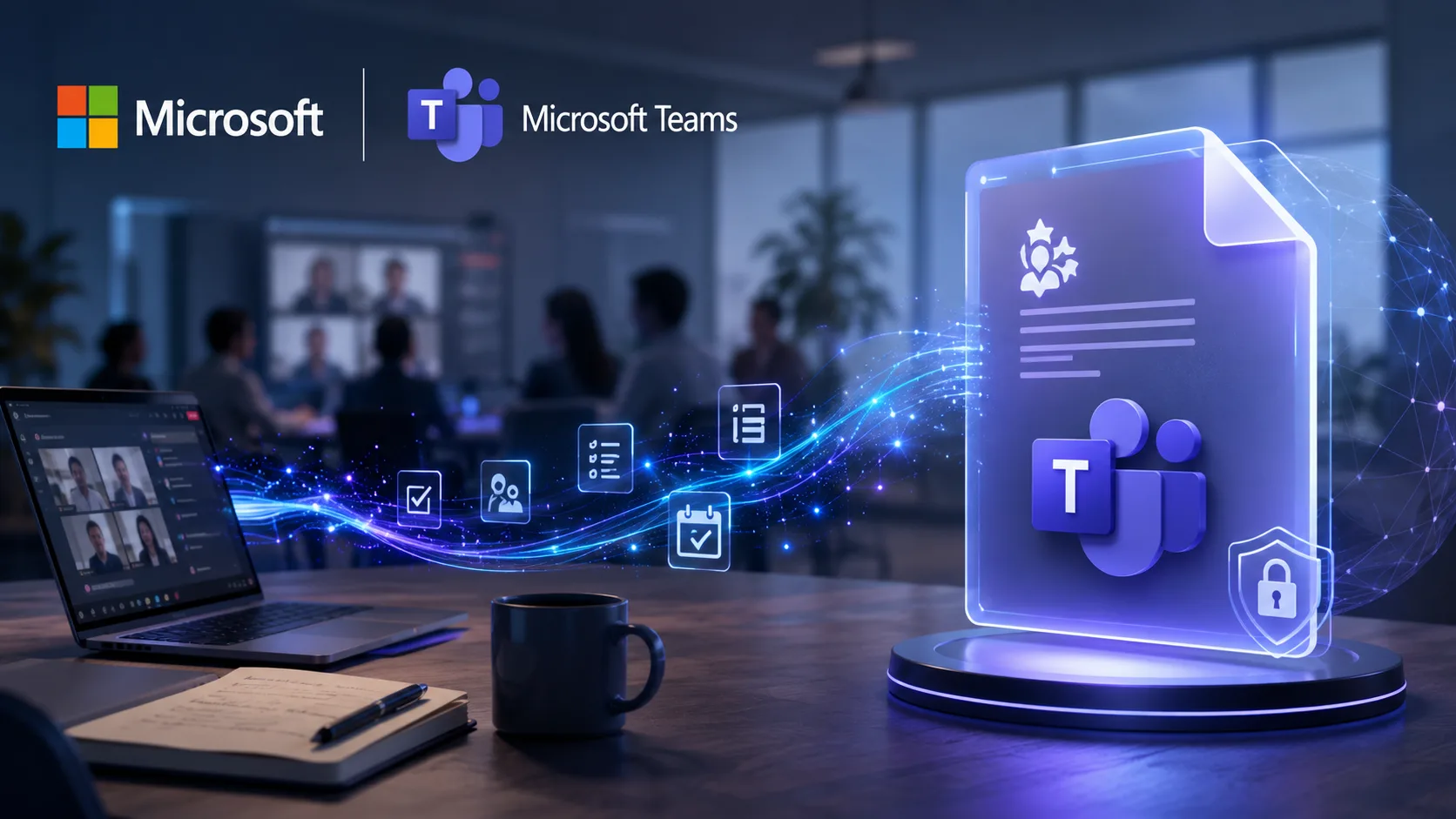
Starting in August 2026, Microsoft Teams will automatically create a new type of record called an AI Archive: a .meeting file of AI-generated meeting knowledge, switched on by default and kept for five years. It captures decisions, action items and context rather than a word-for-word transcript, and it lives inside your Microsoft 365 tenant under Purview and eDiscovery. The opportunity is real, but so is the need to govern it on purpose before the rollout reaches you.
Beginning in August 2026, Microsoft Teams is introducing a new type of Microsoft 365 record that many organizations may not realize is switched on by default.
For decades, organizations have managed documents, emails, chats and recordings as corporate records. Beginning in August, Microsoft Teams quietly adds another category: AI-generated knowledge.
It’s called an AI Archive, and when the conditions are met, Teams automatically creates a .meeting file containing AI-generated knowledge about what happened during a meeting.
This isn’t just another transcript. It’s a new corporate record that can preserve decisions, action items, meeting context and organizational knowledge for years.
For many organizations, that’s a major opportunity. For others, it’s a governance decision that deserves attention before the rollout begins.
What Is an AI Archive?
A .meeting file gets created when three things line up:
- A Teams meeting transcript is saved.
- At least one invited participant has a Microsoft 365 Copilot licence.
- AI Archive is enabled, which is the default configuration.
Rather than storing a verbatim transcript, the archive holds AI-generated information designed to help Microsoft 365 Copilot understand previous meetings and bring richer context into future conversations.
Depending on the meeting, that can include:
- Decisions made
- Action items
- Follow-ups
- Meeting summaries
- Supporting context
The archive is stored inside your Microsoft 365 tenant using SharePoint Embedded, and it integrates with Microsoft Purview, eDiscovery and retention policies.
Why This Matters
Every organization creates records. Emails. Documents. Chats. Meeting recordings. Now Microsoft is adding another one.
Unlike traditional records, these are AI-generated knowledge records. Instead of capturing exactly what was said, they capture what the AI believes mattered.
That changes how organizations should think about information governance.
The Default Is What Caught My Attention
Microsoft’s default configuration turns AI Archive generation on. The default expiration period is 1,825 days, or five years.
Five years may be exactly right. It may not be.
The point isn’t whether Microsoft’s default is good or bad. It’s that many organizations may not realize they are creating a completely new class of business records with a retention period they never intentionally chose.
Technology teams pour enormous effort into governing documents, emails and chat messages. AI-generated records deserve the same attention.
Why Organizations May Love This
There are some genuinely compelling use cases. Imagine asking Copilot:
- Why did we choose Vendor A over Vendor B?
- When did leadership approve this initiative?
- What commitments did we make to this customer?
- What risks did we identify during project planning?
Today those answers usually mean digging through emails, chats, documents and recordings. AI Archive gives Copilot a durable organizational memory that makes those questions far easier to answer.
That’s a meaningful step forward for knowledge management.
Questions Every Organization Should Ask
Rather than simply accepting the defaults, or switching the feature off outright, IT, legal and information governance teams should have a conversation. A few good questions to start with:
- Do we want AI to retain organizational memory?
- Is five years the right retention period?
- Should executive, HR, legal or board meetings be treated differently?
- Have we considered the eDiscovery implications of AI-generated records?
- Do our existing Microsoft Purview policies cover this new content type?
These aren’t reasons to avoid AI Archive. They’re reasons to govern it intentionally.
This Isn’t About Fear. It’s About Governance.
I’ve already seen commentary suggesting Microsoft is just collecting more information about its customers. I don’t think that’s the right discussion.
According to Microsoft’s documentation, AI Archives stay within the customer’s Microsoft 365 tenant, inherit existing Microsoft 365 permissions, and are managed with the same governance capabilities organizations already use for other Microsoft 365 content.
The more important question is this: how should organizations govern AI-generated knowledge? That’s a far more interesting conversation than whether the feature should exist.
My Take
I think AI Archives could become one of the most valuable capabilities in Microsoft 365 Copilot. Organizational memory has always been scattered across emails, chats and meeting notes. Turning meetings into structured, searchable knowledge could save real time and preserve institutional knowledge that would otherwise just disappear.
But like every new corporate record, it deserves a conscious governance decision. Before the rollout reaches your tenant, I’d encourage Microsoft 365 administrators to:
- Review the AI Archive rollout.
- Decide whether the feature fits your organization’s AI strategy.
- Confirm an appropriate retention period.
- Review your Microsoft Purview policies.
- Bring in legal and records management teams where appropriate.
Microsoft hasn’t just added another AI feature. It has introduced a new kind of corporate record.
The organizations that benefit most won’t be the ones that leave the defaults untouched. They’ll be the ones that deliberately decide how AI-generated knowledge should be created, retained and governed.
Frequently Asked Questions
What is a Microsoft Teams AI Archive?
An AI Archive is a new Microsoft 365 record that Teams creates automatically as a .meeting file. Instead of a verbatim transcript, it stores AI-generated knowledge about a meeting, such as decisions, action items, follow-ups and summaries, so Microsoft 365 Copilot can draw on that context later. It lives inside your own Microsoft 365 tenant.
When does Teams create a .meeting AI Archive file?
Three conditions have to line up. The meeting transcript has to be saved, at least one invited participant needs a Microsoft 365 Copilot licence, and AI Archive has to be enabled, which is the default setting. When all three are true, Teams generates the archive automatically.
Is AI Archive turned on by default, and how long are records kept?
Yes. AI Archive generation is on by default, and the default retention period is 1,825 days, which is five years. Many organizations may not realize that both the feature and its five-year retention are active unless they review the settings before rollout.
Where are AI Archives stored, and are they secure?
According to Microsoft’s documentation, AI Archives stay inside your Microsoft 365 tenant, stored using SharePoint Embedded. They inherit your existing Microsoft 365 permissions and integrate with Microsoft Purview, eDiscovery and retention policies, so you manage them with the same governance tools you already use.
What should IT and governance teams do before the rollout?
Review the AI Archive rollout, decide whether it fits your AI strategy, confirm the retention period, check that your Microsoft Purview policies cover this new content type, and involve legal and records management where appropriate. The goal is to make a deliberate governance decision rather than inherit the defaults by accident.